The Errand List Revolution: From Mental Load to Digital Automations
How can I move from a mental errand list to an automated system?
On this page
Start with the all-too-familiar scene of a working parent silently reciting a jumbled grocery list while driving to work, worrying about forgotten dry cleaning and a birthday gift — illustrate the invisible mental load that piles up daily. Then pivot: this isn't a memory problem, it's a systems problem, and the solution is not more brainpower but a reliable external automation.
The Invisible Weight: Why Mental Errand Lists Are Costing You More Than Time

Moving your errand list from your head to an automated system isn't just about checking off boxes faster—it's about reclaiming headspace you didn't realize you were losing. The real cost of those mental lists is a slow, daily erosion of focus and goodwill, and no amount of caffeine can buy it back.
Every trip to the store that starts with silently reciting the five things you're sure you'll remember is a tiny stress test. Decision fatigue is real: each micro-choice—do we need milk, which brand, what's the backup if they're out—chips away at the same mental reserve you need for work, patience with your kids, and that conversation with your partner you've been putting off. It's not laziness; it's your brain running out of steam.
Then there's the invisible choreography. Sociologists who study household labor point out that the anticipating, monitoring, and delegating—what gets called the "mental load"—still lands disproportionately on women, even in homes where both partners work full-time. That's the second shift humming quietly in the background during every meeting and bedtime routine, and it's exhausting. When your partner asks "What do we need?" and you're the one who has to scan the entire domestic inventory in your head, you're not just managing a list—you're managing a relationship tax.
That tax shows up in forgotten birthday cards, the 8 p.m. dash for toilet paper, and the low-grade resentment of being the family's walking, talking shopping list. The "what do we need?" text loop, repeated across a dozen errands, adds friction that robs you both of calm and connection. The fix isn't trying harder to remember—it's taking the list out of your brain entirely. Once you do, you'll discover just how much lighter a week can feel.
The Digital Toolbox: Apps and Platforms That Actually Work for Families
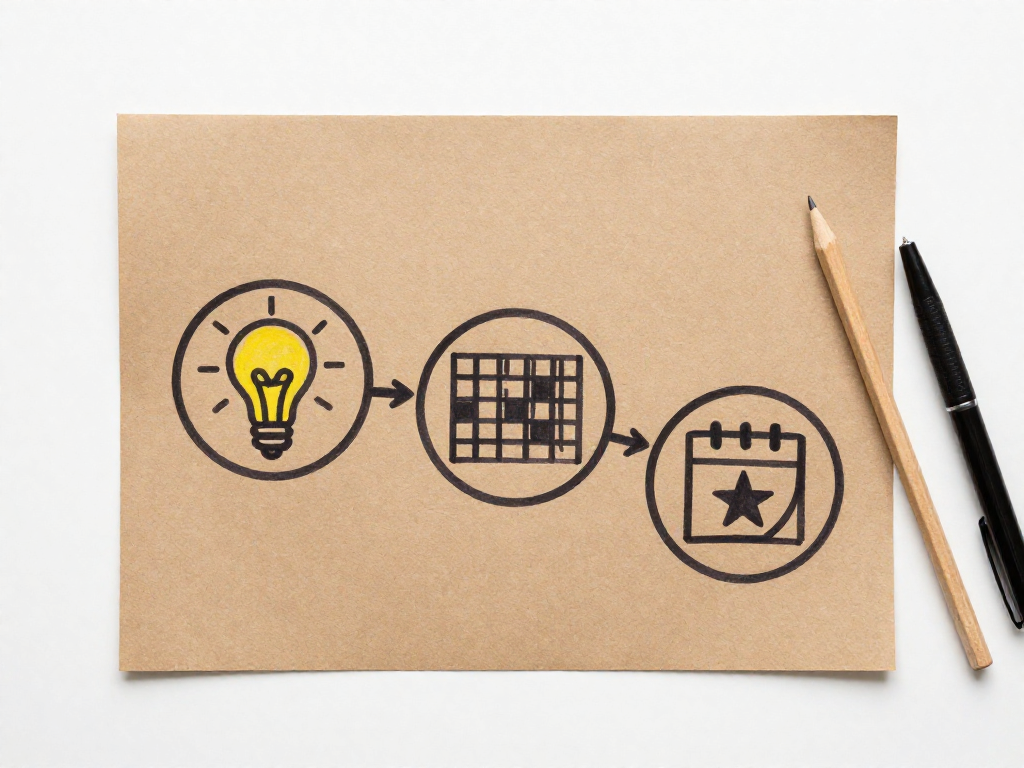
The right app won’t just hold a list—it behaves like a silent partner, handling the tedious bits so your brain doesn’t have to. For a shared family errand system, a handful of features separate the lifesavers from the clutter: cross-platform sync (so nobody’s locked out), shared lists that update instantly, recurring tasks that roll over without you touching them, location-based reminders that trigger when you’re near the store, and an interface simple enough that nobody fights it.
Todoist is the powerhouse for master task lists. Type “buy lightbulbs every 6 months starting Saturday at Home Depot,” and it parses the repeating schedule, store reminder, and exact date without extra menus. For families juggling seasonal chore cycles and one-off errands, it’s the closest thing to having an assistant. It’s less ideal for grocery runs, though—you’ll outgrow the free version’s project limits if you try to mirror a full pantry.
AnyList is built for the kitchen-to-cart pipeline. It auto-categorizes items (produce, dairy, frozen), remembers your favorites, and syncs with meal-planning calendars so tonight’s ingredients land on the list before you even think about them. Shared reminders nudge whoever’s near the store to grab the forgotten cilantro. If food errands eat most of your mental energy, AnyList wins.
Google Keep excels at speed. Pin a shared checklist, capture a voice note while packing lunches, set a location reminder for the pharmacy, and it all syncs instantly. It lacks the structured power of Todoist or AnyList, but for families who want zero learning curve and a digital sticky-note hub, it’s hard to beat.
Apple Reminders is the sleeper hit for households already in the Apple ecosystem. “Hey Siri, add dry cleaning to the shared errands list” works hands-free while you’re corralling kids. Location-based alerts are built-in and reliable, and the app now supports tagging and smart lists. It’s not as feature-rich as Todoist, but if your family lives on iPhones and you dread app accounts, it often does enough.
Cozi wraps it all—lists, calendar, meal planning—into one family dashboard. The interface feels a bit dated, but the all-in-one approach prevents fragmentation. It’s strongest when you need a single view of everyone’s schedule alongside the communal to-do’s.
Pick one tool as your command center and resist app-hopping. Chasing a shinier setup recreates the mental chaos you’re escaping. Choose based on your biggest friction point: grocery is AnyList, multi-project task family is Todoist, Apple-only simplicity is Reminders, and quick capture is Keep. Whichever you choose, focus on building recurring triggers—those are the real revolution.
From Chaos to Cadence: Building Your Automated Errand System in 3 Steps
Mental lists are leaky buckets — you're constantly losing little things, then re-remembering them at 11 p.m. The fix is an external brain you trust completely. Here's how to build one that runs itself.
Step 1: Brain dump everything. Open a fresh note in Todoist, Google Keep, or even Apple Notes. Pour out every errand you can think of, recurring or one-off, without filtering. Oil changes, birthday cards, the batteries for the smoke detector, that return you've been meaning to drop off. Don't edit — just capture. This isn't a to-do list yet. It's raw inventory, and getting it all out of your head is the first real relief.
Step 2: Tag by context, not by project. Context means "where or when I can actually do this." Tags like @grocery, @pharmacy, @hardware, @downtown, @near-work, and @online turn a monster list into a set of action packs. An errand can carry multiple tags — that pack of screws goes in @hardware and @downtown if the only store is there. Later, when you're standing outside the pharmacy, you filter by @pharmacy and see exactly the four things you need inside. No more scrolling past "get oil changed" while you're picking up a prescription.
Step 3: Set recurrences and sync to a calendar. The real automation is in the rhythm. Weekly grocery pickup, biweekly prescriptions, quarterly furnace filter swaps — these should repeat on their own. In Todoist, set a task to recur every Monday at 9 a.m. for "Place grocery pickup order," then integrate with Google Calendar so it appears as a time block. One‑off errands get slotted into existing calendar trips: the downtown list on Thursday after work, the pharmacy batch on Saturday morning. Your errand list stops being a pile of wishes and becomes a series of appointments your calendar already expects.
A real‑life setup. A family of four uses Todoist with a project called "Errands." Inside, sections for each context: @grocery, @pharmacy, @hardware, @downtown, @online. On Sunday evening they meal plan, and Monday at 10 a.m. a recurring task fires: "Submit weekly grocery order." Another recurring task, "Pick up order," lands Tuesday at 5 p.m. Once a month, "Change furnace filter" pops into @hardware, and every three months "Schedule car inspection" appears. The project syncs to a shared Google Calendar so both adults see and can claim tasks. Nobody remembers the details; the system remembers for them.
Start with just the brain dump. The rest builds itself once you see how much mental weight you've been carrying.
The Power of Shared Lists: Ending the ‘What Do We Need?’ Texts
A single shared list stops the texting scramble before it starts. When both partners can drip-feed items into one living list the moment they think of them, the weekly planning session shrinks from a tedious rebuild to a quick check-in. This "add-as-you-think" rule turns a memory contest into a brain dump that quietly distributes the load.
Ownership seals the deal. Assign one person the grocery list, the other the hardware or pharmacy list—or rotate categories by week. Real-time sync means you never double-buy toothpaste or miss the Milk because “I thought you were getting it.” The list becomes the decision-maker, not the person who usually remembers.
Keep it light. A three-minute Sunday scan over coffee is all you need to confirm priorities and flag anything urgent. You’re not rebuilding the list from scratch; you’re just giving it a nod.
Maintenance Mode: Keeping Your System Alive Without Adding More Work
Spend five minutes each Sunday deleting completed items and dumping whatever’s cluttering your brain. When seasons shift, adjust recurring tasks for summer camps or school-year routines. And stick to a simple “one in, one out” rule—every new entry replaces an old one so your lists never bloat.
See also
- /batch-cooking-101-beginners-guide-weekend-prep
- /weekly-planning-system-for-working-parents
- /family-command-center-that-works
- /chore-chart-template-free-download
Related articles
Troubleshooting Your Errand Batching: When Life Throws You Off
When your carefully planned errand batch falls apart due to sick kids, traffic, or last-minute curveballs, here’s how to pivot, salvage your sanity, and build a more resilient system.
Jul 31, 2026 · 10 min read
Errand Batching for After-School Chaos: A Weekday Template
How do I fit errands into the after-school window without meltdowns?
Jul 31, 2026 · 4 min read
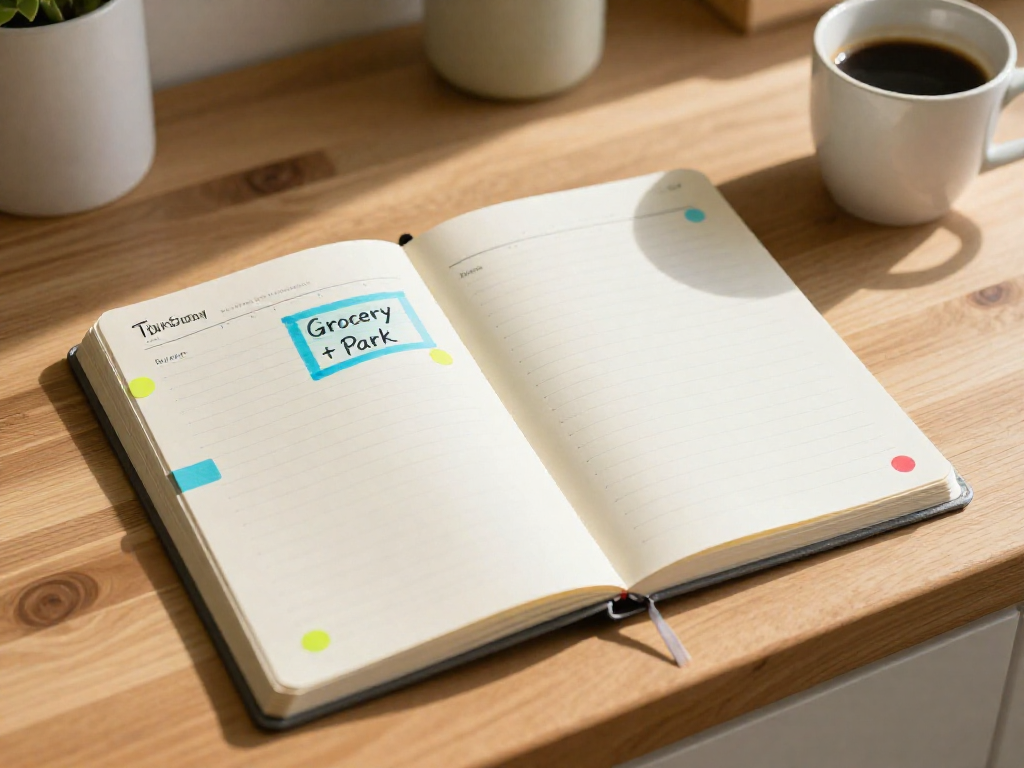
Kid-Errand Merge: Combining Playground Trips with Grocery Runs
How can I combine errands with kid-friendly activities?
Jul 31, 2026 · 5 min read